| 10.2. Report Templates | ||
|---|---|---|

|
Chapter 10. Configure |  |
| 10.2. Report Templates | ||
|---|---|---|
|
|
Chapter 10. Configure | |
 Only available in Klaros-Testmanagement Enterprise Edition
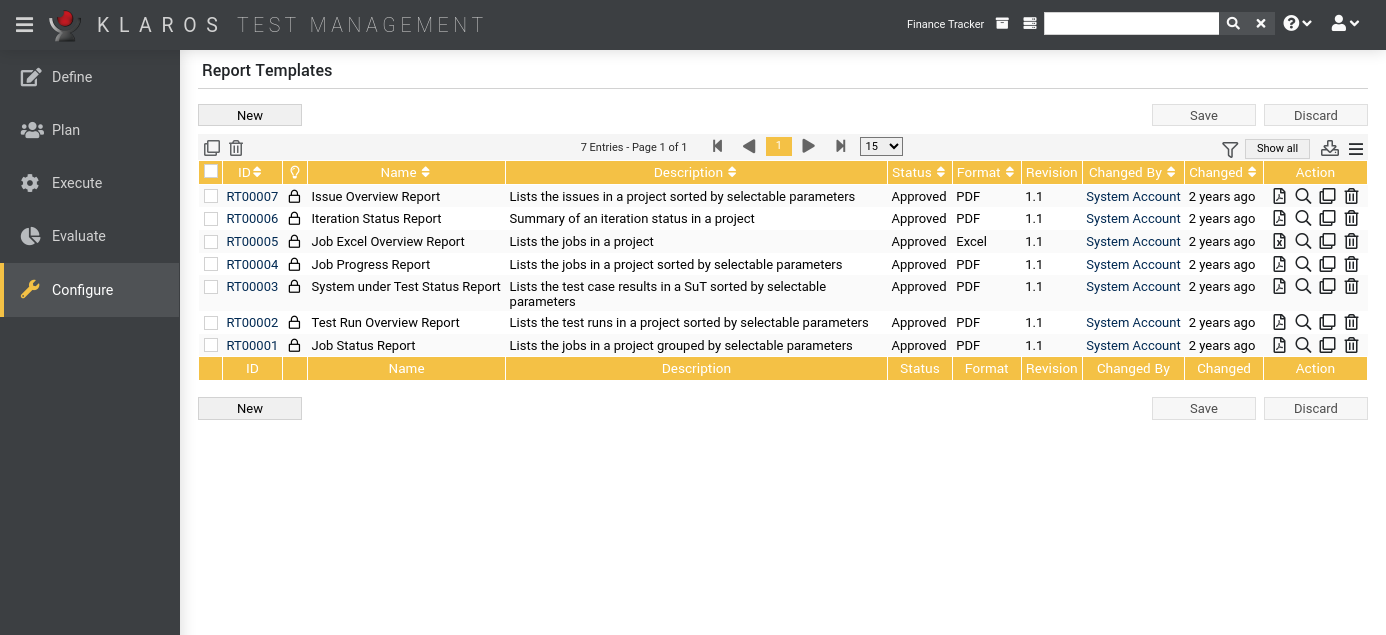
On the Report Templates page, user-defined report templates can be created, edited, cloned and reports can be generated in PDF or Excel format.
![[Note]](images/note.png) |
Note |
|---|---|
|
The predefined report templates are not editable and should be cloned for editing. |
The table shows the following values:
|
Additional Information |
A tooltip appears when the cursor is placed over the icon shown here. |
|
Name |
The name of the report template. |
|
Description |
The description of the report template. |
|
Revision |
The revision of the report template. |
|
Status |
The status of the report template (draft, approved). |
|
Format |
The output format of the report (PDF or Excel). |
|
Action |
The executable actions. |
|
Note |
|---|---|
|
The Additional Information column indicates whether a report template is locked for editing. |
The following actions can be performed in the action column:
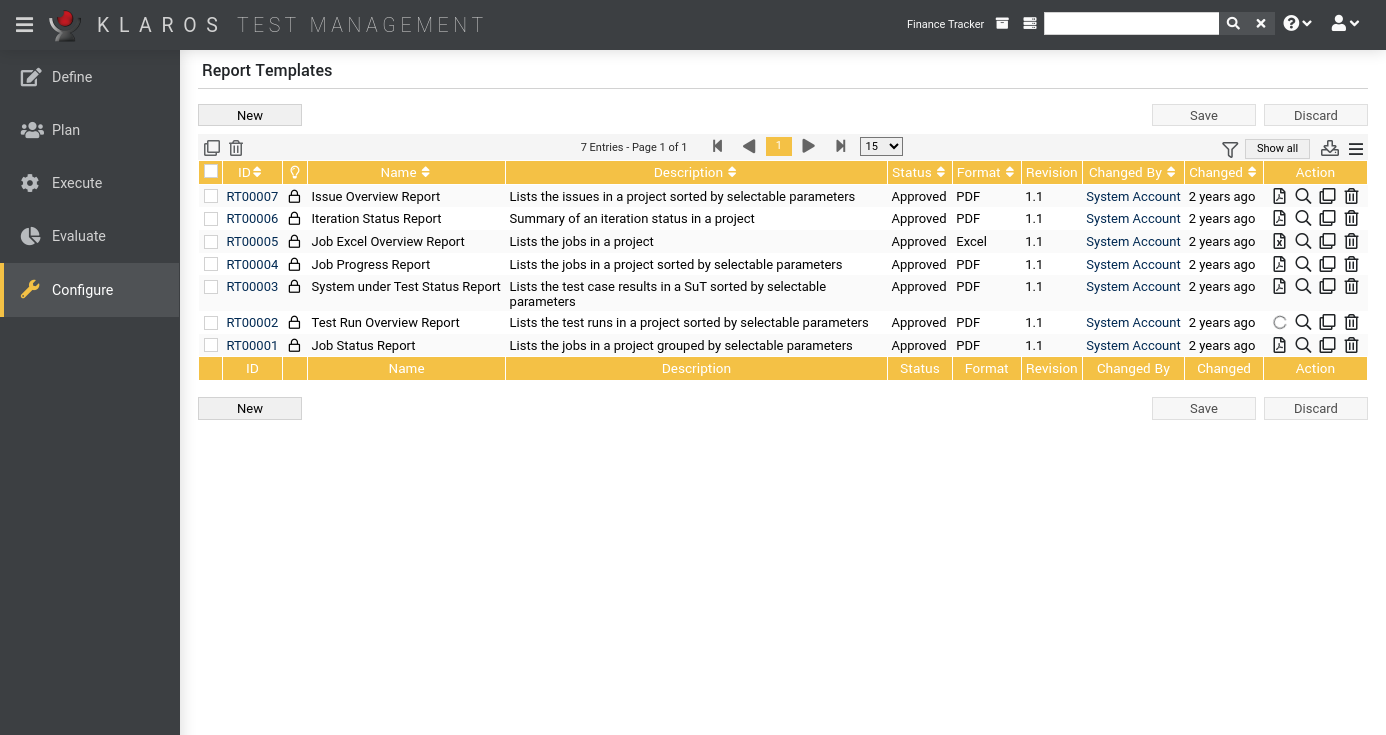
If a report is to be generated that requires the input of parameters, a dialog opens. After confirmation with the report is generated. The button remains locked if mandatory parameters are missing user input. The button cancels the action.
|
Note |
|---|---|
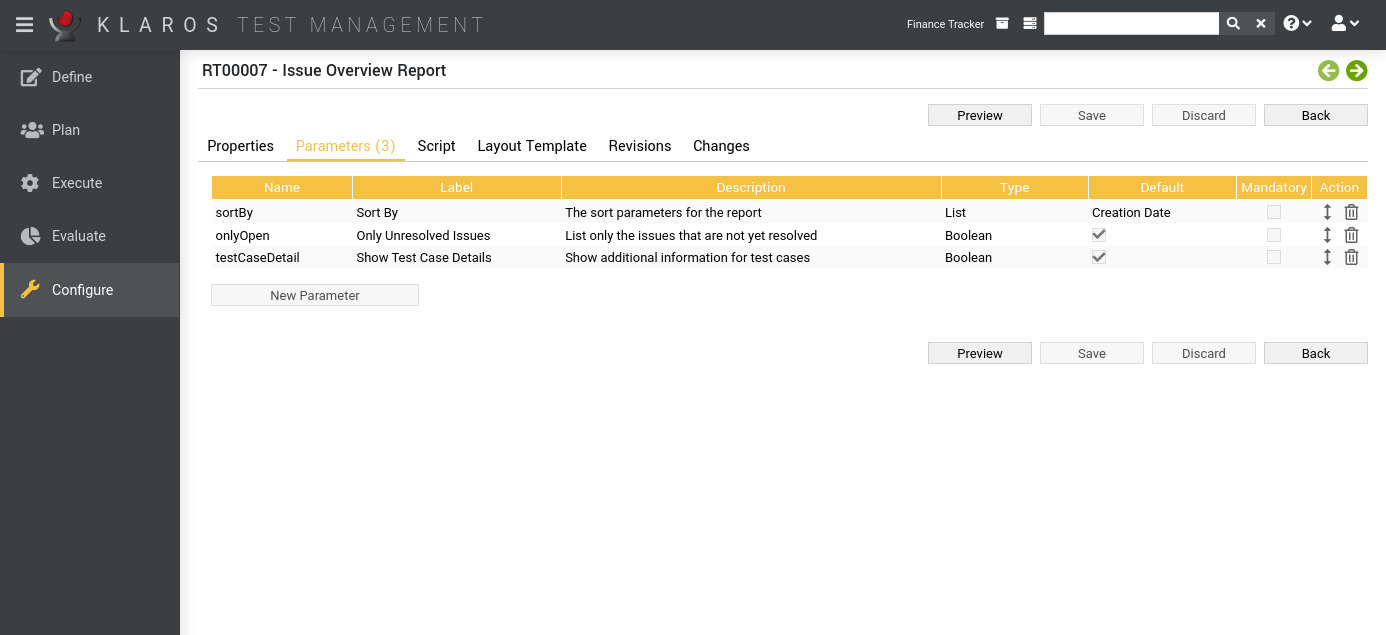
| Clicking the button opens the page Report Templates Details. ( Figure 10.4). |
On the Report Template Details page, the name and description of the report template can be specified. A valid script and layout template must also be specified. The script and layout template can be edited directly in the text area or uploaded as an external file. In the Revisions tab, older versions of the report can be restored and differences to a previous version can be listed.
|
Integrated Syntax-Check |
|---|---|
|
To be able to save the report template, the script and the layout template must not contain any syntactical errors. This is checked before saving. |
Detailed information about creating user-defined reports is available in Section 11.2, “Creating a Report Template”.
|
|
 |
|
| Chapter 10. Configure |  |
10.3. Users |